Publishing
How do I publish a course with a test as SCORM?
You can combine a course and a test, or multiple pieces of content, into a single SCORM package to create a more structured learning journey.
How to add multiple pieces of content to a SCORM package
- Open the first piece of content in your learning journey and start the SCORM export process.
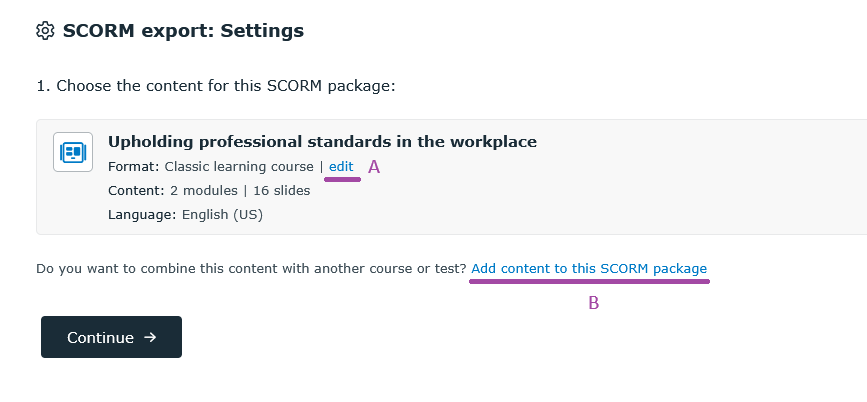
See the step-by-step guide to exporting content as SCORM. - In the SCORM export settings, click teh link Add content to this SCORM (marked B in the image below).
- Select the additional course or test you want to include in your SCORM package.
Related resources: