
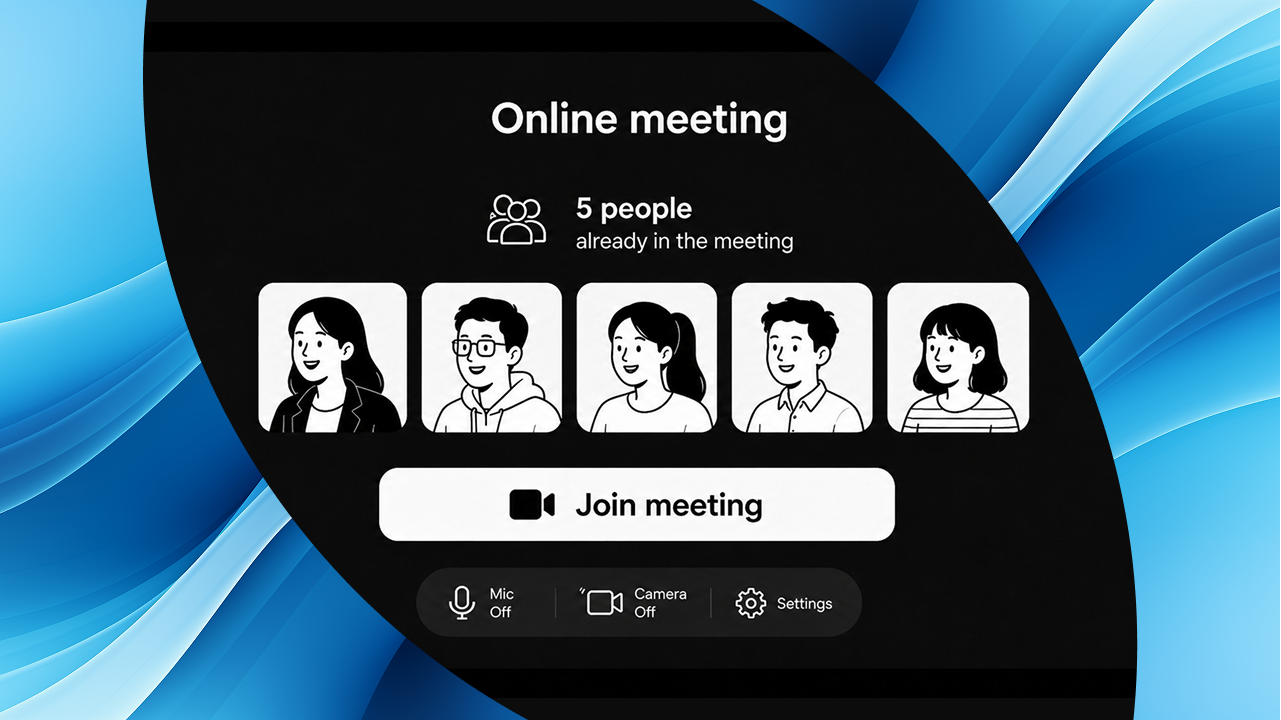
Somewhere between slide decks and learning objectives, our team made a discovery — we’re experts in e-learning, but we’re amateurs at virtual small talk.
Turns out a shared passion for e-learning isn’t the only thing that unites us. A collective dread of the first thirty seconds of any virtual meeting does too.
So we did what we do best. We made a course about it.
No more awkward silences: master virtual small talk

Skip the read?
Go straight to the course
You know the moment. Cameras on. Nobody speaking. Someone types something in the chat, then deletes it. The host says “let’s just wait for a few more people” and suddenly everyone is staring at their own face wondering if they always look like that.
It lasts about ten seconds. It feels significantly longer.
The thing is, this isn’t a personal problem. It’s not that we’re awkward or introverted or bad at conversation. It’s that virtual meetings strip away all the small social movements that usually get conversation started — the coffee grab, the side chat, the colleague adjusting their chair. Online, none of that exists. Just you, your camera, and the silence.
About the course
No more awkward silences is a fun, practical 10-minute course, genuinely useful for anyone who has ever gone on mute and hoped the host would just start already.
It covers three things:
Why virtual silence feels different.
When the natural warm-up layer of an in-person meeting disappears, even a normal pause can feel enormous. Understanding why this happens is surprisingly half the battle.
How to open well.
Five strategies for starting a meeting without that painful pause, plus the openers that sound friendly but quietly kill conversation before it begins. (Hint: “Busy week for everyone I imagine!” is not the move.)
How to read the room and close well.
How to spot the quiet signals mid-meeting and how to end in a way that leaves people feeling good rather than just relieved it’s over.
How we built it with JollyDeck
Here’s the part where we get the most excited to talk about. Let’s look at some of the pieces and how they came together.
Interactive video: Watch, notice, respond
One of the course’s centrepiece moments is an interactive video where learners observe a live virtual meeting — five people, five different signals — and learn to recognise and respond to each one.
Built using JollyDeck’s interactive video tool with an AI narrator and on-screen buttons, learners uncover each signal at their own pace rather than being told what to look for upfront. The result feels much closer to real experience than a static list ever could.
AI-generated visuals that actually fit
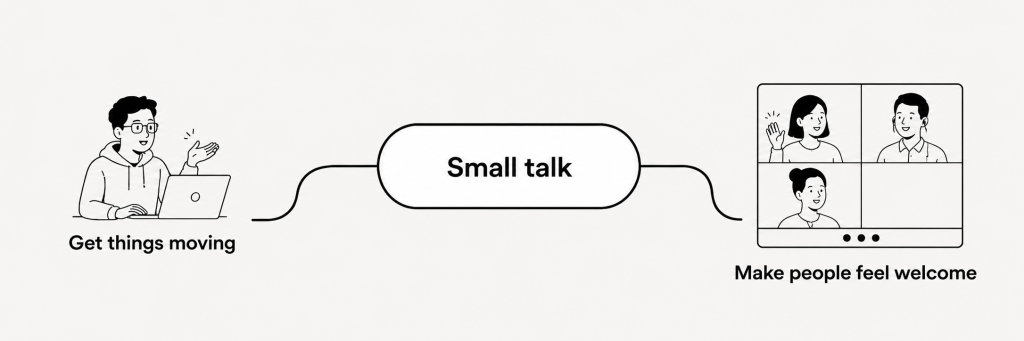
One of the quiet frustrations of building e-learning is the image problem. Stock photos are either painfully generic or weirdly specific in the wrong way. So we used JollyDeck’s AI image generation instead — type a prompt and get an illustration that fits. No browsing, no licensing, no settling.
The result is images that were made for this course rather than borrowed from somewhere else. They illustrate key points, support the tone, and occasionally do the teaching themselves — like a single diagram that makes the small talk argument in one glance.
The style is clean, a little playful, and consistently hand-drawn in feel. This isn’t compliance training. The visuals know that too.
Every interaction earns its place
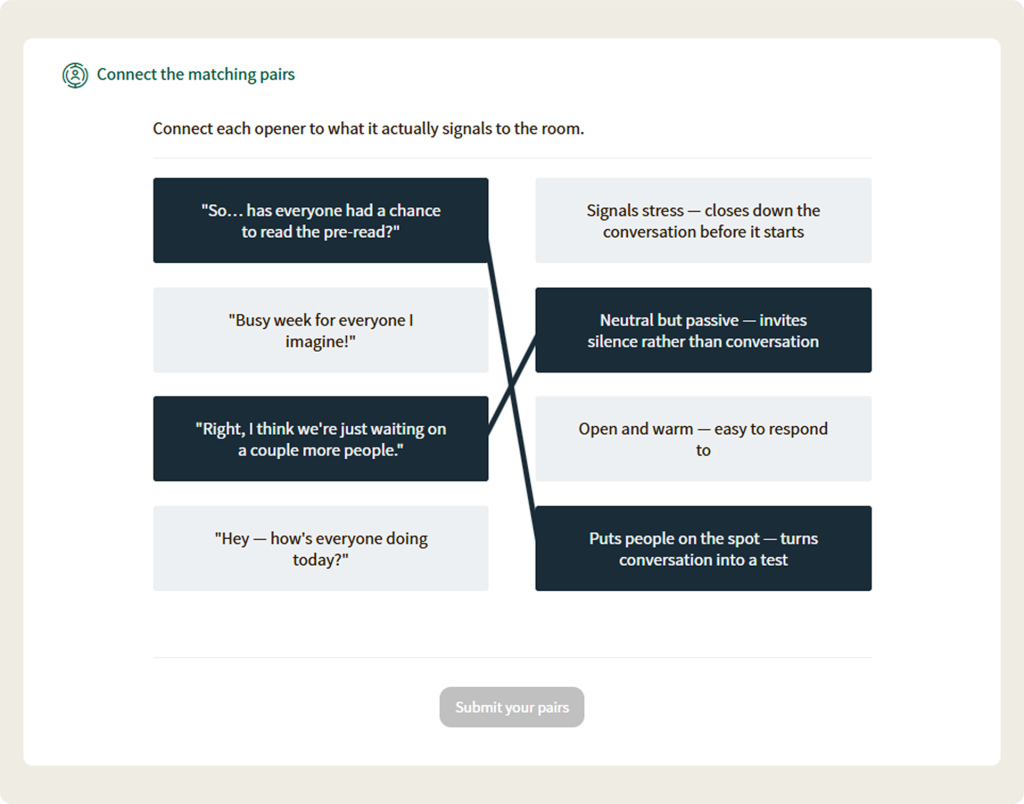
The course uses a mix of interaction types throughout. Surveys, pairing questions, multiple-choice and multiple-select activities all show up — each chosen to match the moment rather than dropped in for the sake of it.
The pairing question on the fastest way to kill virtual small talk is a good example: learners match common openers to what they actually signal in the room. Harder to ignore than a bullet point list of what not to say. The opening and closing survey is a favourite too: the same question, asked twice, with very different instructions the second time around. It’s a small detail, but a satisfying one.
Small talk, big difference
If you’ve read this far, you’re probably one of us — someone who has joined a meeting early and then immediately wished they hadn’t. The course won’t fix every meeting. But it will make those first sixthy seconds feel a lot less like a problem to survive and a lot more like a moment you actually know how to handle.
Ready when you are!
Ten minutes to master virtual small talk — practical, a little fun, and genuinely useful for every meeting you run from here on.