Creating content
How do I duplicate, delete or move content?
You can easily duplicate, delete or move entire courses and other content directly from the Content Editor.
- Open your project in the Content Editor.
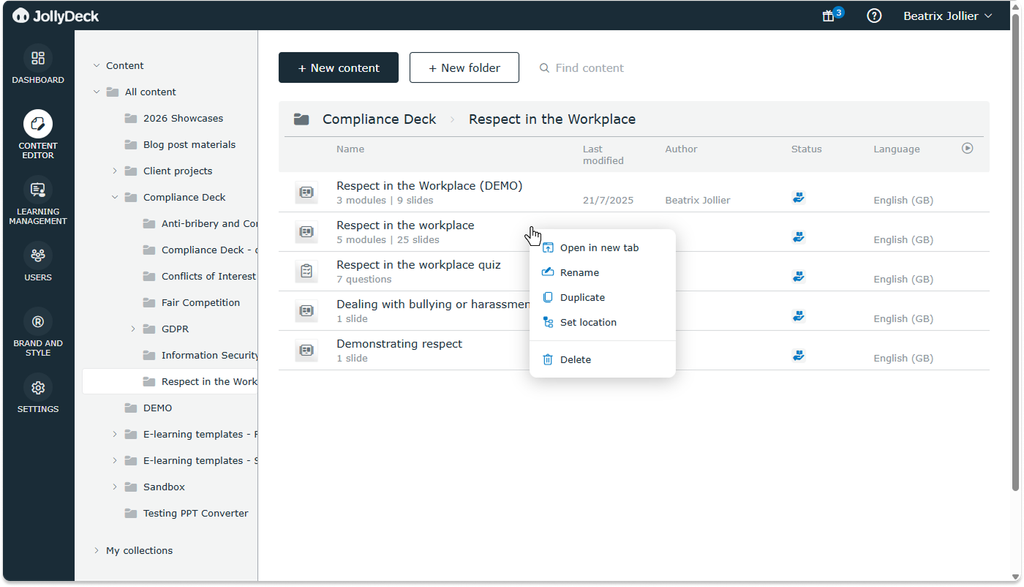
- In the content list, right-click the course or other content you want to manage.
- Select the appropriate option from the menu:
- Rename – Change the name of the selected content.
- Duplicate – Create a copy of the selected content.
- Set locations – Move the content to a different folder within your project.
- Delete – Remove the selected content.
Related resources: