Creating content
Does JollyDeck keep old versions of my content?
Yes. JollyDeck automatically keeps all versions of your content created within the past three months.
You can use version history to review previous changes, see who made them and retrieve content from an earlier version if needed.
How to view previous versions of your content
- Open your course in the Content Editor.
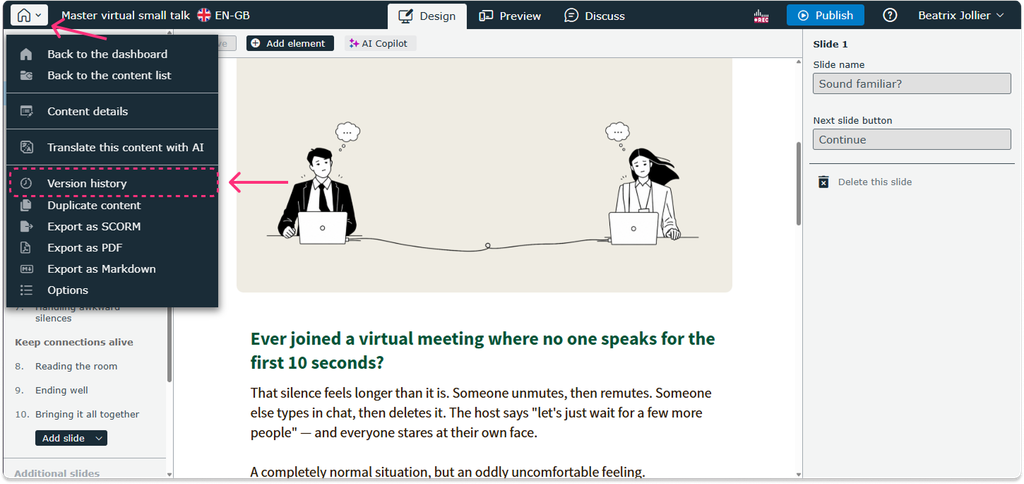
- Click the Home icon in the top-left corner.
- Select Version history from the menu.
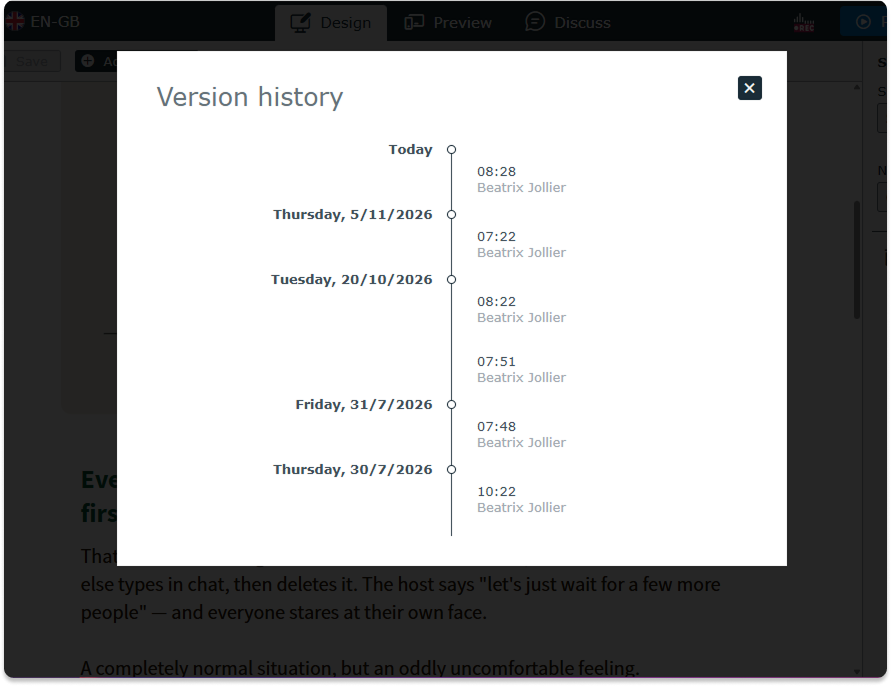
A timeline of previous versions will appear, showing when each version was created and who made the changes.
Click any version in the timeline to view its content.
Can I restore a previous version?
You cannot restore an entire previous version automatically. However, you can open an earlier version, copy the content you need and paste it into your current version.
This is useful if you want to recover text or other content that was previously changed or removed.
Related resources: