
The best editing tools get out of your way. They let you move quickly, fix things instantly, and stay focused on the content instead of the controls.
That’s exactly what this update is about. We’ve added a set of improvements to the interactive video editor that make everyday editing faster and the whole experience more intuitive.
Standard keyboard shortcuts for everything
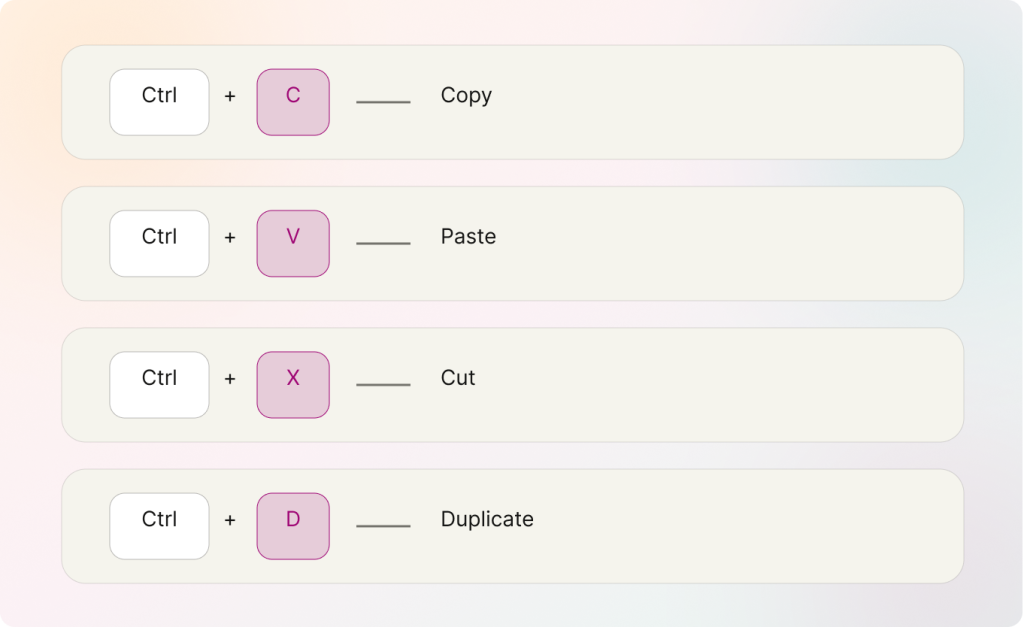
You can now copy, paste, cut, and duplicate elements using the standard keyboard shortcuts you already know.
This small change that saves a lot of time and keeps your scenes consistent. Style one text box, label or image the way you want, duplicate it as many times you want, and just change the content — all elements perfectly aligned without any manual adjusting.
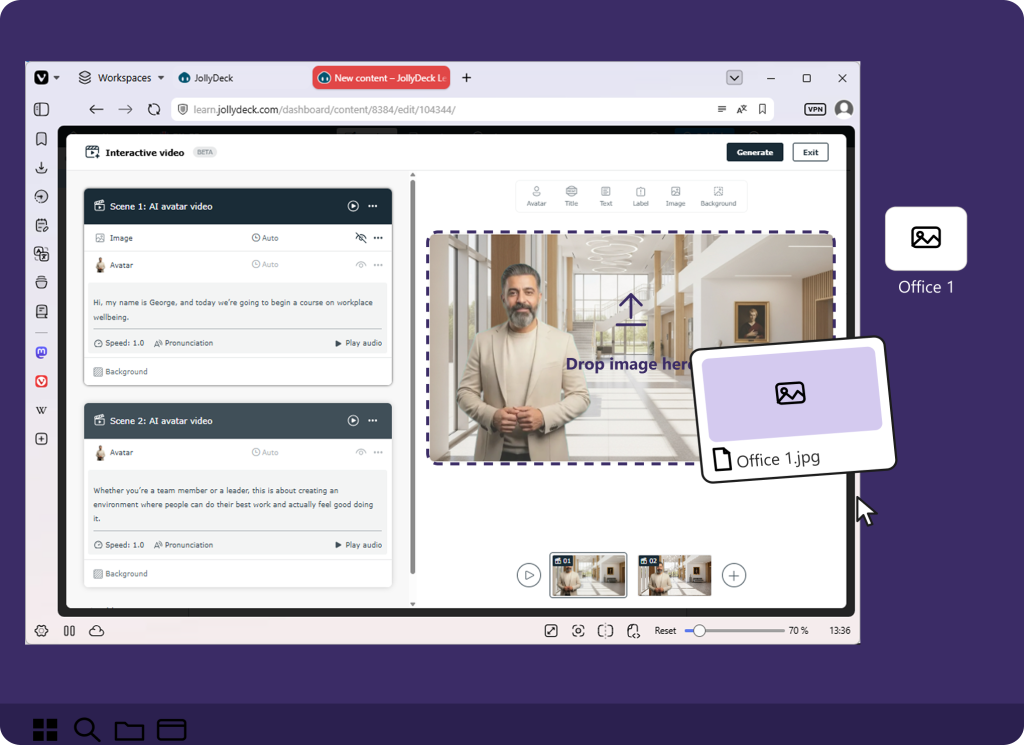
Drop images straight into your scene
Adding images is now as simple as dragging them in from your computer, or pasting them with Ctrl + V.
And if you already have an image selected on the scene, pasting with Ctrl + V replaces it.
Swapping one visual for another takes a single shortcut. It’s great for sequences: duplicate a scene and swap in a new image, keeping the same size and position.
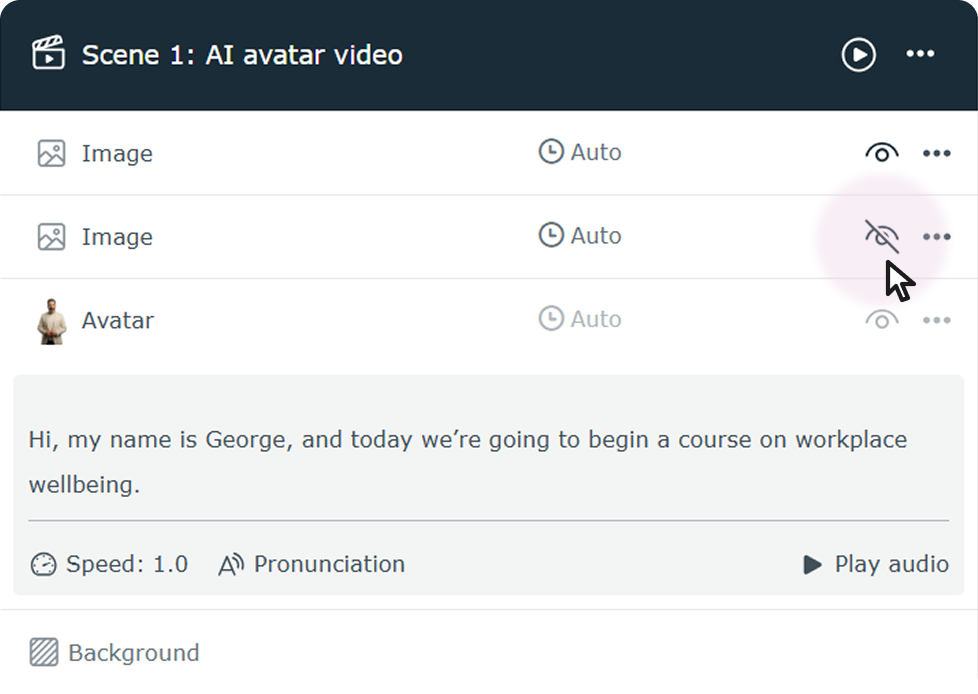
Hide elements while you work
Editing overlapping elements used to mean a lot of careful clicking. Now you can simply hide the ones in your way, work on what’s underneath, and bring them back when you’re done.
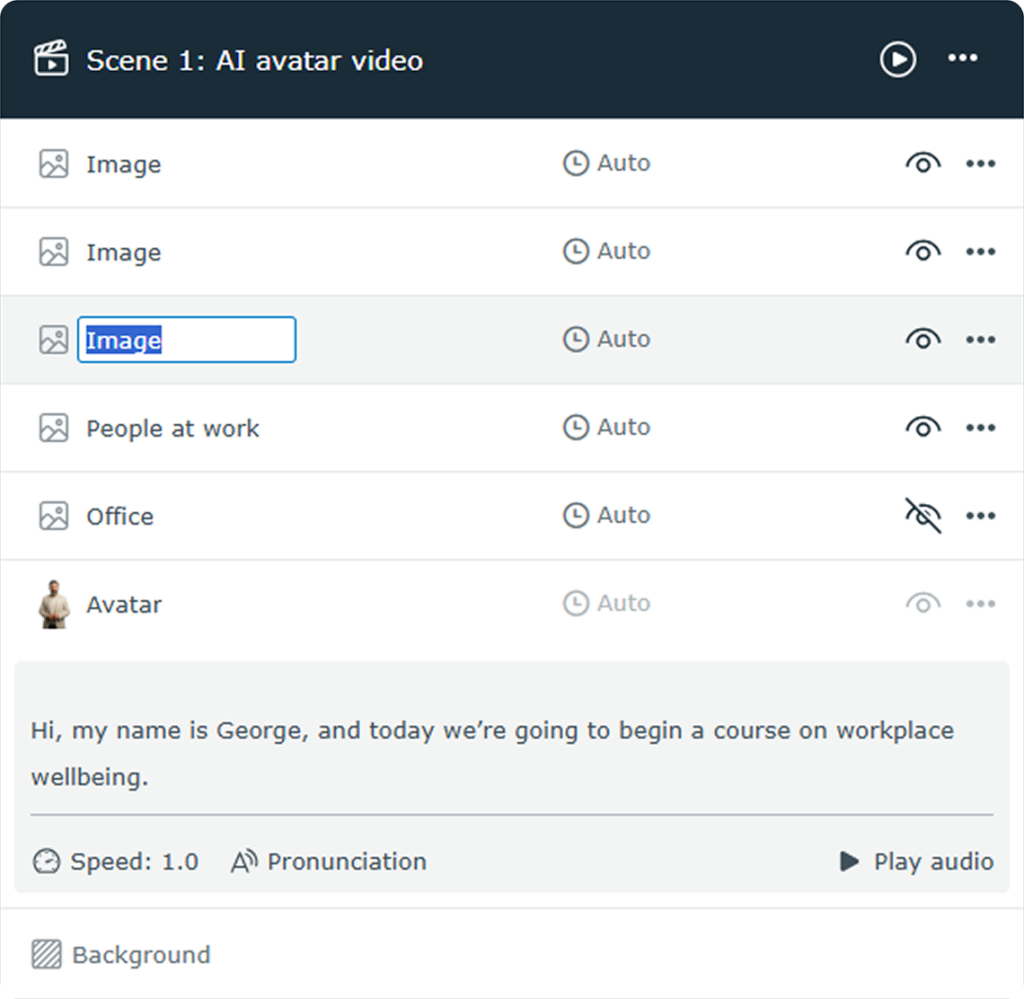
Rename elements in a double-click
Keeping a busy scene organised is much easier when everything has a clear name. You can now rename any element directly in the scene’s element list — just double-click the name and type.
Try it out
Have you already built your first interactive video? Now’s the perfect time to revisit it — or start a new one — and feel how much quicker editing has become.
Log in to JollyDeck and put the new interactive video editor to work. It’s free!